 Previous TutorialRevenue is up and the week feels heavier than it did three years agoNone. Pen, paper, your card statement
 Next TutorialIf you stepped away for 30 days, what breaks firstA text editor or notepad
Your calls end and nothing happens until you remember them
6 minutes
Your calls end and nothing happens until you remember them
- Time
- 6 min
- Level
- Intermediate
- Steps
- Read through
- You need
- Fathom, HighLevel, Zapier, Albato, viaSocket or Pipedream
Fathom records the call, HighLevel does the follow-up, and a middle layer connects them. What to build first, and the two things that break it.
You finish a call at 4pm. The next step lives in your head and in three lines of notes. By Friday the notes make no sense and the follow-up goes out late, or not at all.
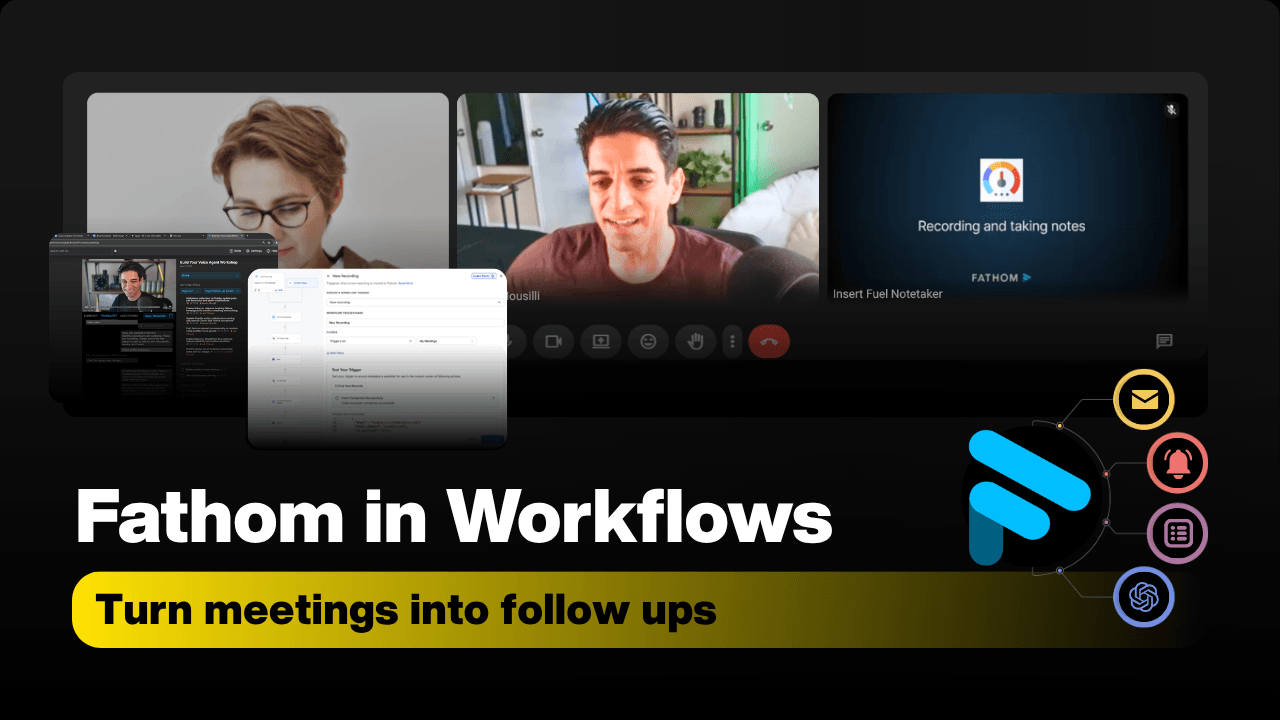
Fathom records and summarises the call. HighLevel does the follow-up. Nothing joins them on its own. You need a connector in between (Albato, viaSocket, Pipedream or Zapier via LeadConnector). That connector is the whole job.
## What Fathom gives you to work with
Fathom joins the call, records it, and produces a transcript and an AI summary with action items shortly after the call ends.
For automation purposes that turns into two things:
**Triggers**. The event that starts your workflow. New recording, new transcript, new AI summary. Names differ by connector; the event is the same.
**Actions**. The way you pull data out. List recordings, fetch transcript, fetch summary.
That is it. Everything below is built from those two.
## Build one thing first
Do not start with transcripts. A full transcript in a CRM field is a wall of text nobody reads.
Start with the summary:
1. Trigger on a new Fathom summary. 2. Match the meeting to the right HighLevel contact. 3. Write the summary into one custom field. Call it Call Notes. 4. Fire one workflow off that field: a recap message, or a task on the rep.
Get that working end to end before you add anything. Once it runs, the rest is variations on it. Task creation from action items, pipeline stage moves, an internal alert when a particular kind of call finishes, fields like timeline or next step updated from the summary.
## The two things that break it
**Processing time.** The summary is not ready the second the call ends. If your workflow fetches immediately it fetches nothing, and a blank field is worse than no field because it looks like the system worked. Put a wait step in, or a condition that checks the summary exists before continuing.
**Contact mapping.** This is the one that actually hurts. Your automation is only as good as its ability to tie a recording to the right contact record. Match on something stable. The attendee email, the calendar event ID, the booking link. Match on a name and you will eventually send one client's call notes to another. There is no undo on that.
## What this does not fix
It does not make the follow-up good. It makes it happen. If your recap emails were thin when you wrote them by hand, they will be thin and on time now. The summary gives you the raw material; someone still has to decide what the next step is.
It also does not replace the notes you take for yourself during a call. It replaces the ones you take for the CRM.
---
If you want this wired into your HighLevel account rather than built yourself, book a call and we will walk through your current setup.
Would rather we just did it?
Send it over as a fuel request and our team will take it from here, or book a call and we will walk it with you.